
A site blocker for Mac, coming soon
Your Mac blocks distracting sites until you tap your iPhone on an NFC tag.
Latchtag blocks the sites you choose in your browsers and other apps. To get them back, you hold your iPhone to a small NFC tag, so every unlock takes a real, physical step. Your terminal, and AI agents that don't drive your browser, keep working.
Not available to download yet. Latchtag needs a Mac with macOS 26 and an iPhone with iOS 26.
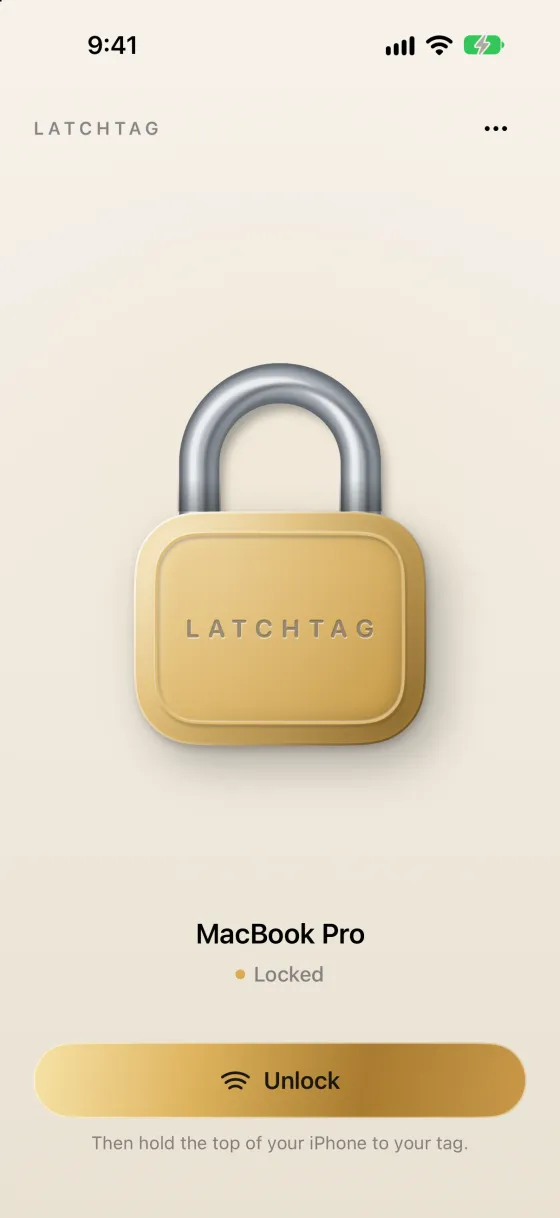
iPhone and your NFC tag
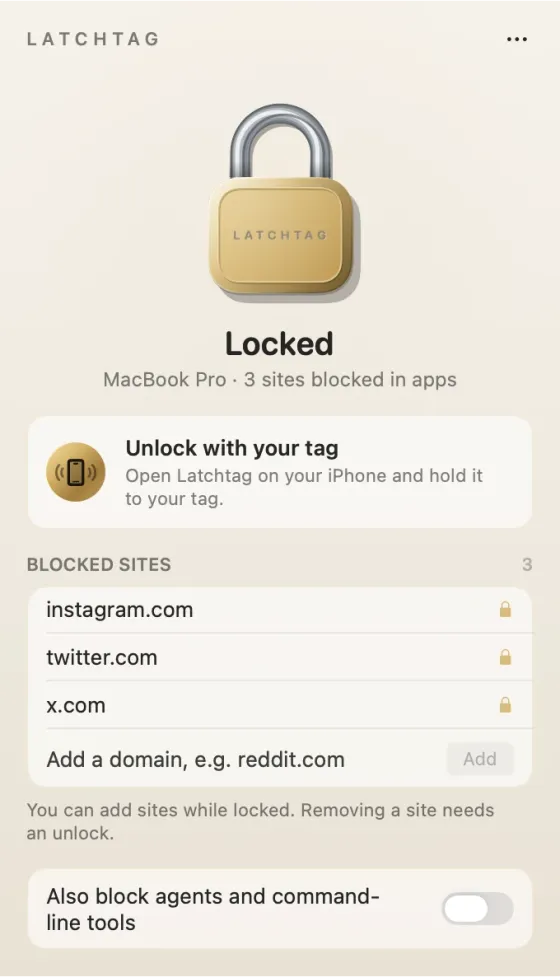
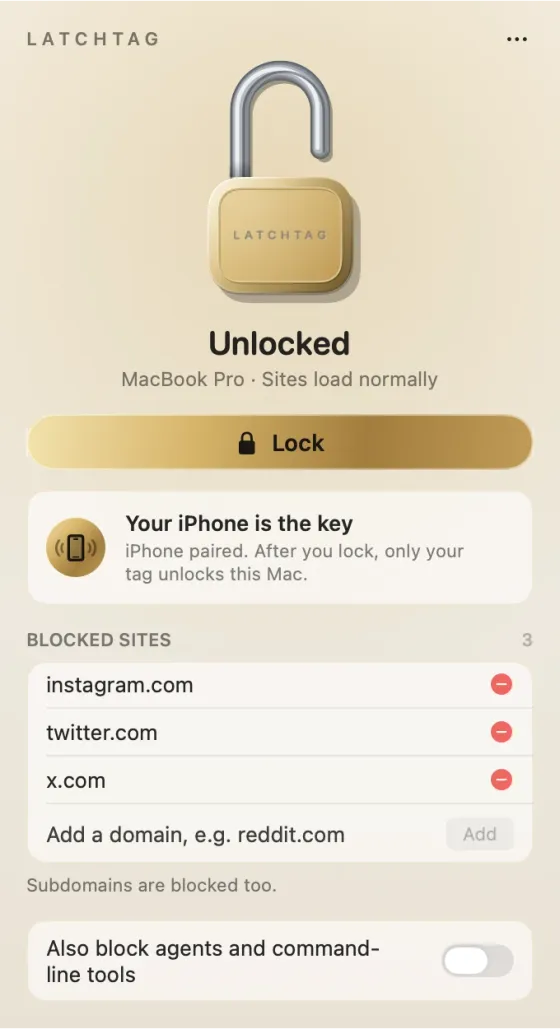
Mac
- Hold your iPhone to your NFC tag.
- Your iPhone sends the unlock to your Mac.
- Your Mac unlocks. Your sites load again.
- Lock again from either device. No tag needed.
How it works
Lock in a click. Unlock with a tap.
- 01
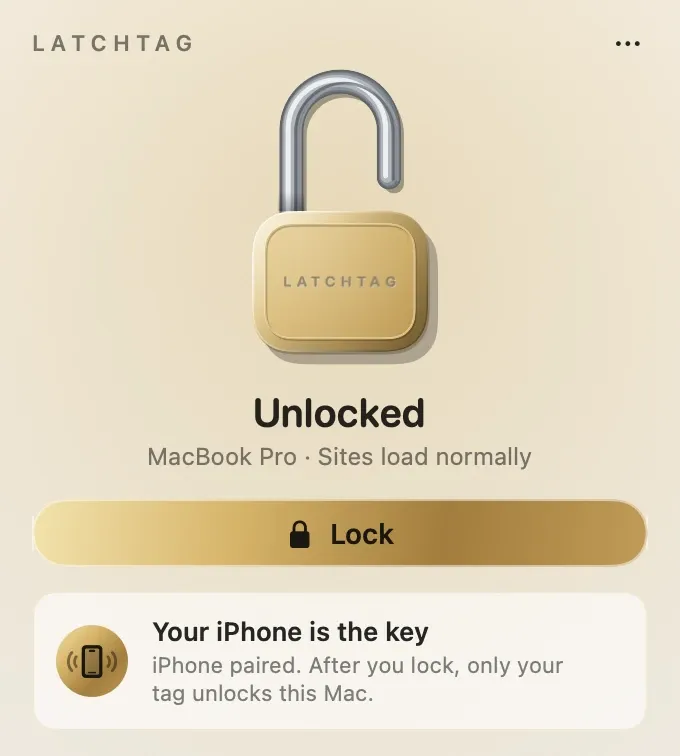
Lock in a click.
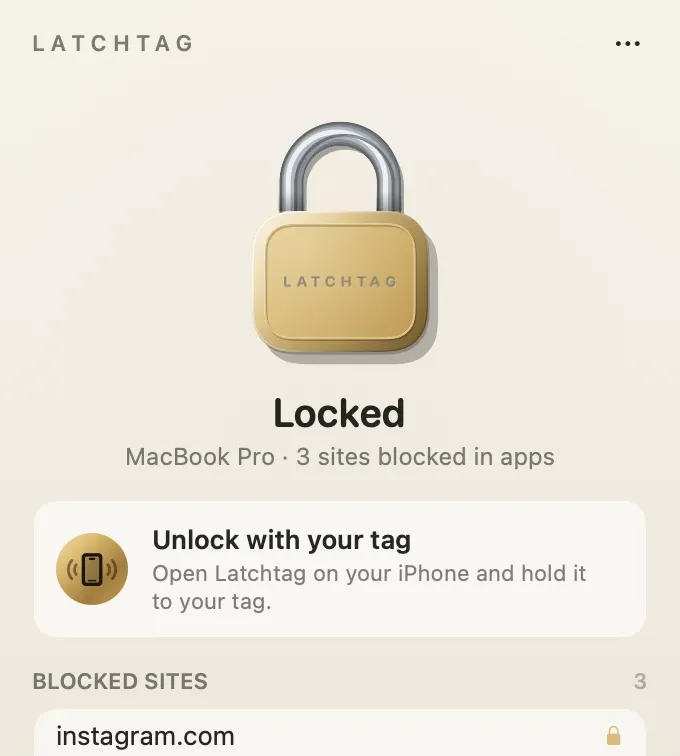
Click Lock on your Mac, or tap Lock on your iPhone. Locking never needs the tag. The sites on your list stop loading, even in tabs you already have open.
- 02
Add a site any time.
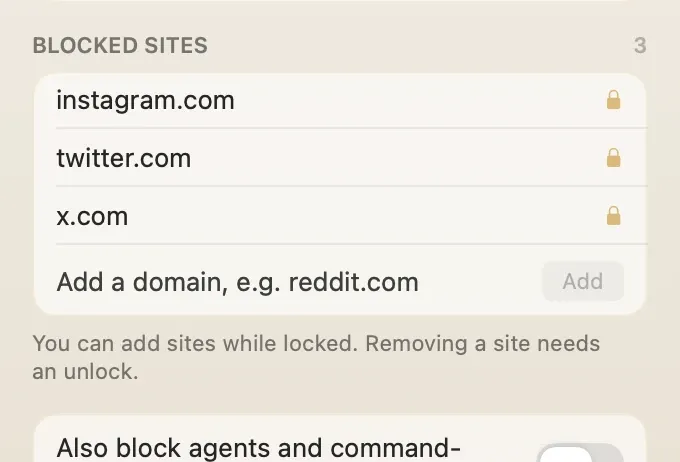
Adding a site always works, even while locked. Removing one needs an unlock, so a locked list can only get stricter. Subdomains are blocked too.
- 03
Unlock with your tag.
Hold your iPhone to your tag. When your Mac is online, the signed unlock reaches it within a second, and it stays unlocked until you lock it again. There is no way to unlock from the Mac alone.
Your agents keep working.
Latchtag blocks a site only for apps with a window, the ones you browse in. Processes without one are left alone, so research that reaches a blocked site still finishes.
Blocked while locked
- Safari, Chrome, Arc, Firefox and their helper processes
- Other apps with a window, such as a social app
- Agents that drive your normal browser, since they browse as you
Keeps working
- Commands and scripts in your terminal, such as curl
- Agents in your terminal, such as Claude Code or Codex
- Headless browsers and background processes
- Agents and fetches inside the Claude, Cursor and ChatGPT apps
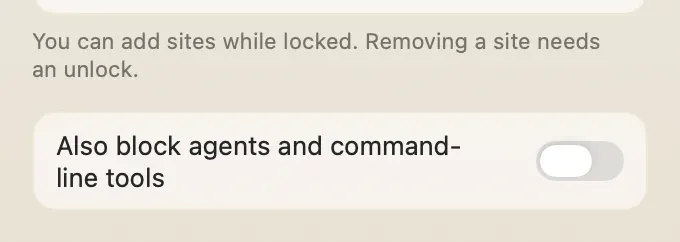
Block agents too, if you want.
One switch in the Mac app, off by default, applies your list to every process, terminal and agents included.
Friction, not a vault.
Latchtag is built to give an impulse time to fade. It does not try to stop you from getting around it on purpose.
- You can turn the filter off in System Settings, or uninstall Latchtag. Latchtag does not fight that.
- Lost your tag or iPhone? Turn the filter off in System Settings, then pair a new one.
- No timers, schedules or automatic re-lock. It stays the way you left it.
What you need
You pair your iPhone with your Mac by scanning a QR code on the Mac. There is no account, and the two can use different Apple IDs.
- A Mac with macOS 26.
- An iPhone with NFC and iOS 26.
- An NFC tag you buy yourself, such as an NTAG213 or NTAG215, formatted for NDEF. Latchtag writes a secret to it when you pair. One tag unlocks one Mac.
- Your permission for Latchtag's network content filter, which you allow in System Settings.
- An internet connection on both, to pass a lock or unlock between them. If your Mac is asleep or offline, it gets the latest one when it reconnects.
What leaves your devices
Between your iPhone and Mac
Locks and unlocks pass through a small relay on Cloudflare. It stores only your Mac's two latest challenges and at most one lock or unlock waiting for delivery. Cloudflare keeps logs of the relay's requests, with their headers, which can include your IP address, for up to 7 days. The relay cannot unlock your Mac: only your iPhone holds the signing key, and the key never leaves it.
Error reports and product events
Both apps send crash and error reports to Sentry and a short, fixed list of events to PostHog, such as a lock, an unlock, or a failed unlock with a reason code. They never send hostnames, URLs, your blocklist, tag secrets, keys, challenges or signatures, or your Mac's name or your own.
Both services see your connection's IP address. Latchtag's projects are set to discard it and keep only the country it comes from. Reports and events carry an anonymous ID made by each app. The filter that sees your traffic has no analytics code at all.
This page
This page sends one page view to PostHog with its address and the domain of the page that linked you here. PostHog keeps the country of your IP address and discards the address. The page sets no cookies and stores nothing in your browser. If your browser sends Global Privacy Control, it sends nothing.